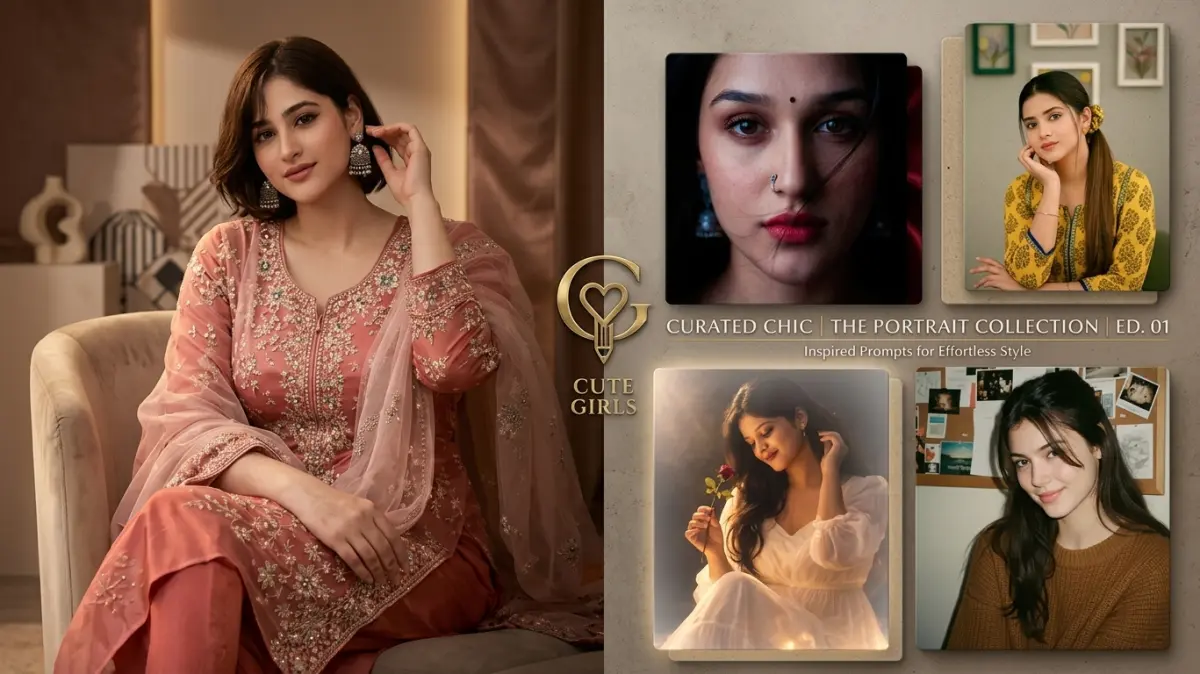
Chatgpt Instagram User Ai photo Editing Prompt For Boys
Prompt
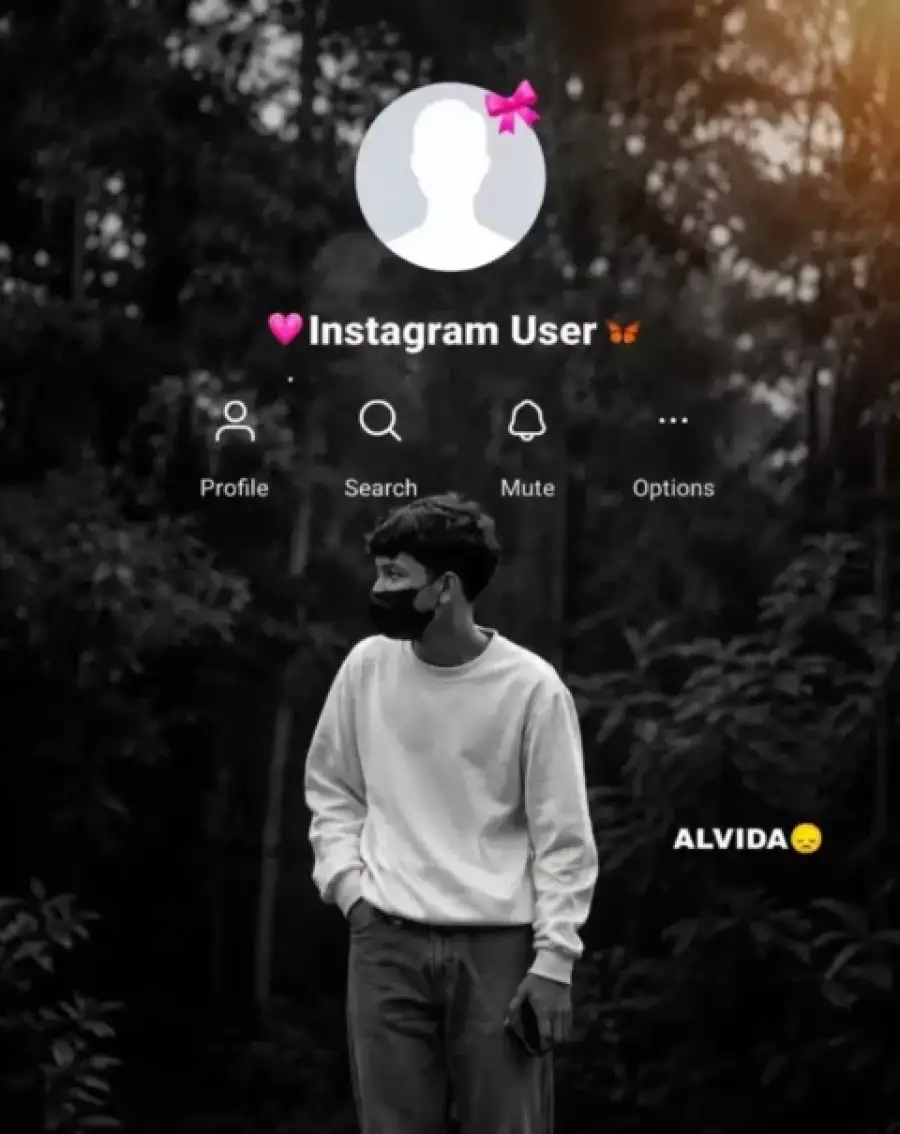
Create an ultra-realistic cinematic portrait using my uploaded reference image as the ONLY face reference. Preserve my exact facial identity, hairstyle, skin tone, facial structure, eyes, nose, lips, expression, and overall appearance with 100% identity consistency. Show me standing in a dense forest, facing directly toward the camera (front-facing pose), making natural eye contact. No face mask, no sunglasses, nothing covering the face. I am wearing an oversized white sweatshirt, loose grey pants, and holding a smartphone in one hand while the other hand is in my pocket. Apply a dramatic black-and-white cinematic color grade with a soft golden sunlight flare in the top-right corner, shallow depth of field, DSLR quality, HDR, 8K.<br>At the top of the image, recreate the Instagram profile interface exactly like the reference. Use a plain transparent UI overlay only. The profile picture should be the default blank Instagram avatar with a small pink ribbon. Below it, display the username "? Instagram User ?" as simple white text only. DO NOT place the username inside any box, pill, banner, label, card, gradient, glow, shadow, or colored background. The text must appear directly over the image exactly like the reference screenshot. Below the username, add the Profile, Search, Mute, and Options icons with their labels in white, matching Instagram's original layout and spacing. Add the text "ALVIDA ?" on the right side in bold white. Keep the UI minimal, clean, and seamlessly blended into the image without any extra graphics or backgrounds. Vertical 9:16 aspect ratio.
✅ Prompt Copied!
Use Chatgpt Instagram User Ai photo Editing Prompt For Boys AI photo editing prompt to create stunning and viral AI photos easily.
Simply copy and paste this prompt into ChatGPT or Gemini AI to generate cinematic photo edits with stylish backgrounds and creative effects.
Find more trending AI prompts and editing resources on
CBEditz.com.