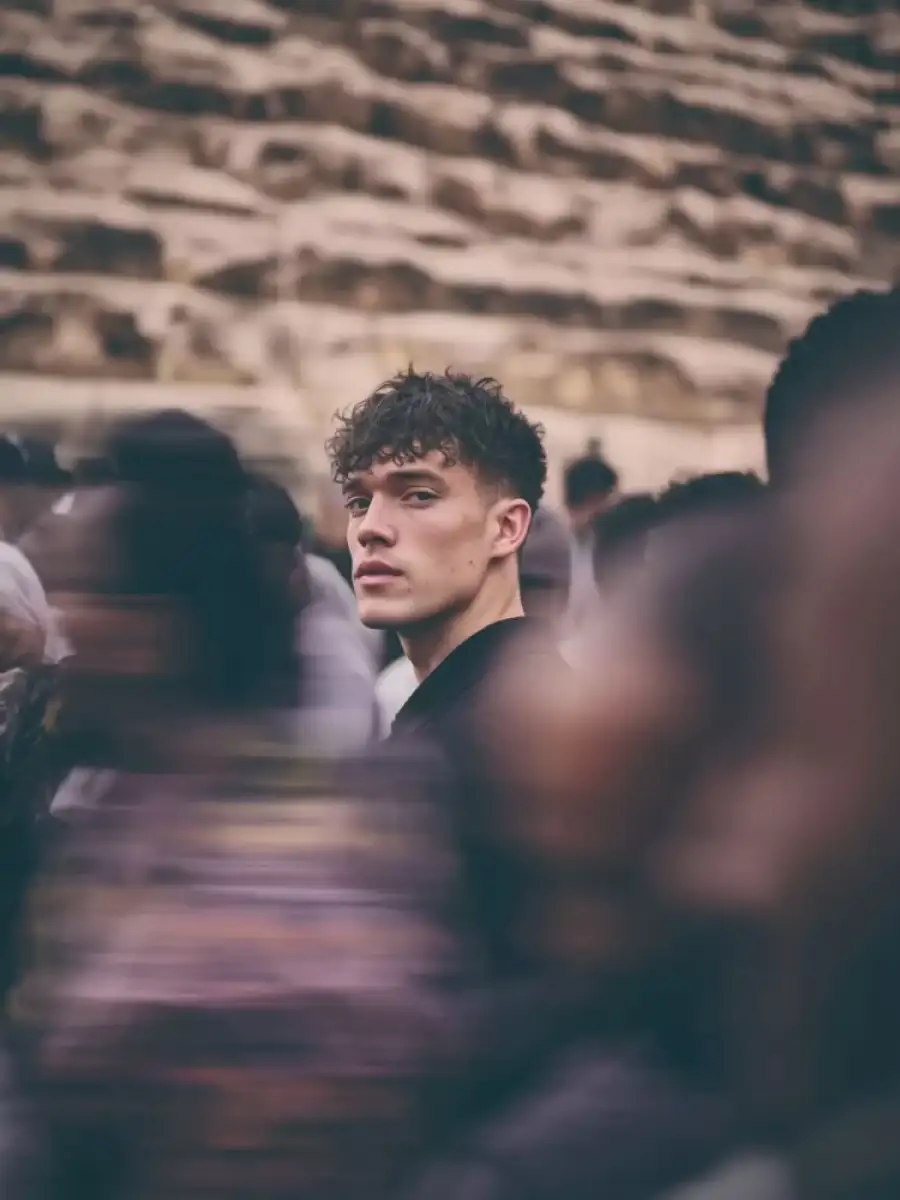
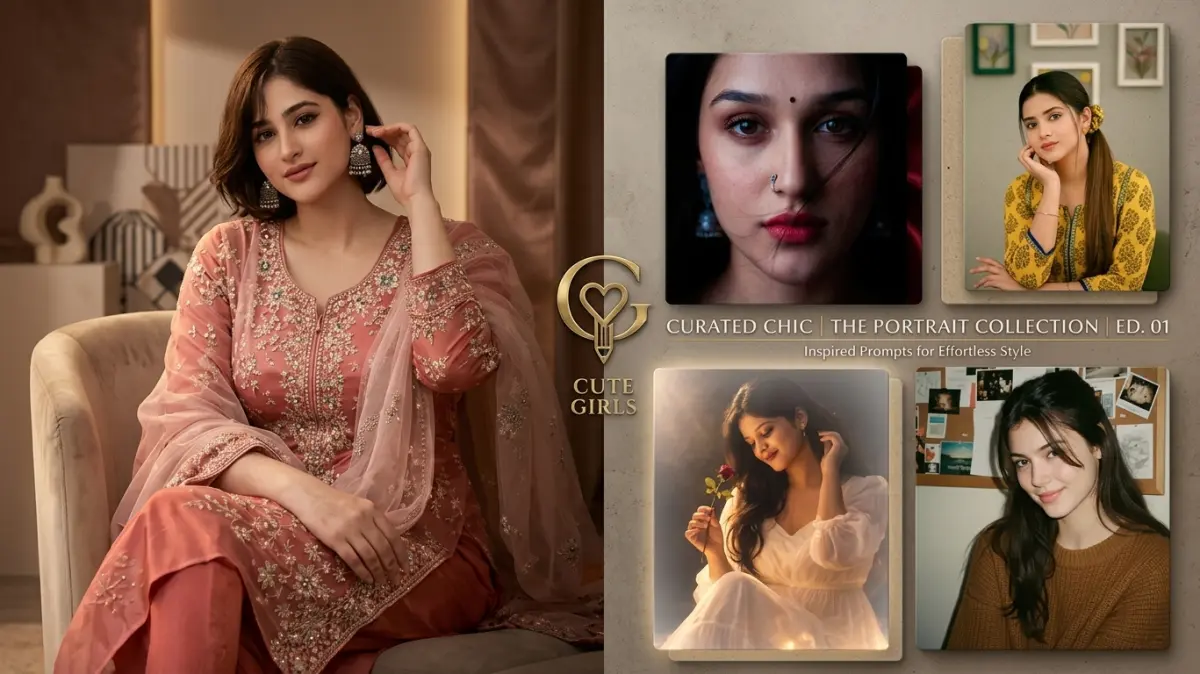
Create using the uploaded reference image. Keep the subject’s face, identity, hairstyle, and facial features EXACTLY the same. Do not change or beautify the face.A young woman standing still in the center of a crowded street, looking directly into the camera with a confident and calm expression.She is wearing a black cropped top, loose black jacket hanging off her shoulders, yellow and black cargo pants with a streetwear style, and a small necklace around her neck. Slightly messy tied hair with natural strands falling on the face.The subject is in ultra-sharp focus with highly detailed skin texture, natural tones, and cinematic lighting with warm highlights on hair and face edges.Surrounding her is a dense crowd of people moving rapidly in all directions. Apply strong motion blur to all surrounding people, creating streaked and ghosted human figures with long exposure effect.The background should feel busy and chaotic, like a street market or festival, with vibrant colors blending due to motion.Use shallow depth of field, 85mm lens look, f/1.8 aperture, HDR, ultra-realistic 8K quality, cinematic color grading.Lighting should be natural golden hour with warm tones, soft shadows, and slight glow on highlights.Do not distort the subject. Maintain realism and sharpness on the face only.
✅ Prompt Copied!
Use Motion Blur Ai Photo Editing Prompts Copy PASTE AI photo editing prompt to create stunning and viral AI photos easily.
Simply copy and paste this prompt into ChatGPT or Gemini AI to generate cinematic photo edits with stylish backgrounds and creative effects.
Find more trending AI prompts and editing resources on
CBEditz.com.